Qualify more social security and disability leads before the first call
A basic contact form gives you a name, an email, and silence. Cliont greets every visitor with your video, walks them through their matter, collects documents, and hands you a scored, qualified lead.
A custom intake for every social security and disability matter
Each one is a ready-to-embed smart survey tuned to the matter — open any to try the exact experience your leads would complete.

Appeals Council
A request asking the Social Security Appeals Council to review an unfavorable Administrative Law Judge decision, generally filed within 60 days of that decision rather than as a new disability application.
Preview intake →
Continuing Disability Reviews
A periodic review Social Security conducts on someone already receiving SSDI or SSI to decide whether they still medically qualify, usually triggered by a mailed notice, a request for updated medical records, or a scheduled exam.
Preview intake →
Federal Court Appeals
A federal district court lawsuit filed after the Social Security Appeals Council issues a final denial, generally required within 60 days of that denial notice and available only once administrative appeals are exhausted.
Preview intake →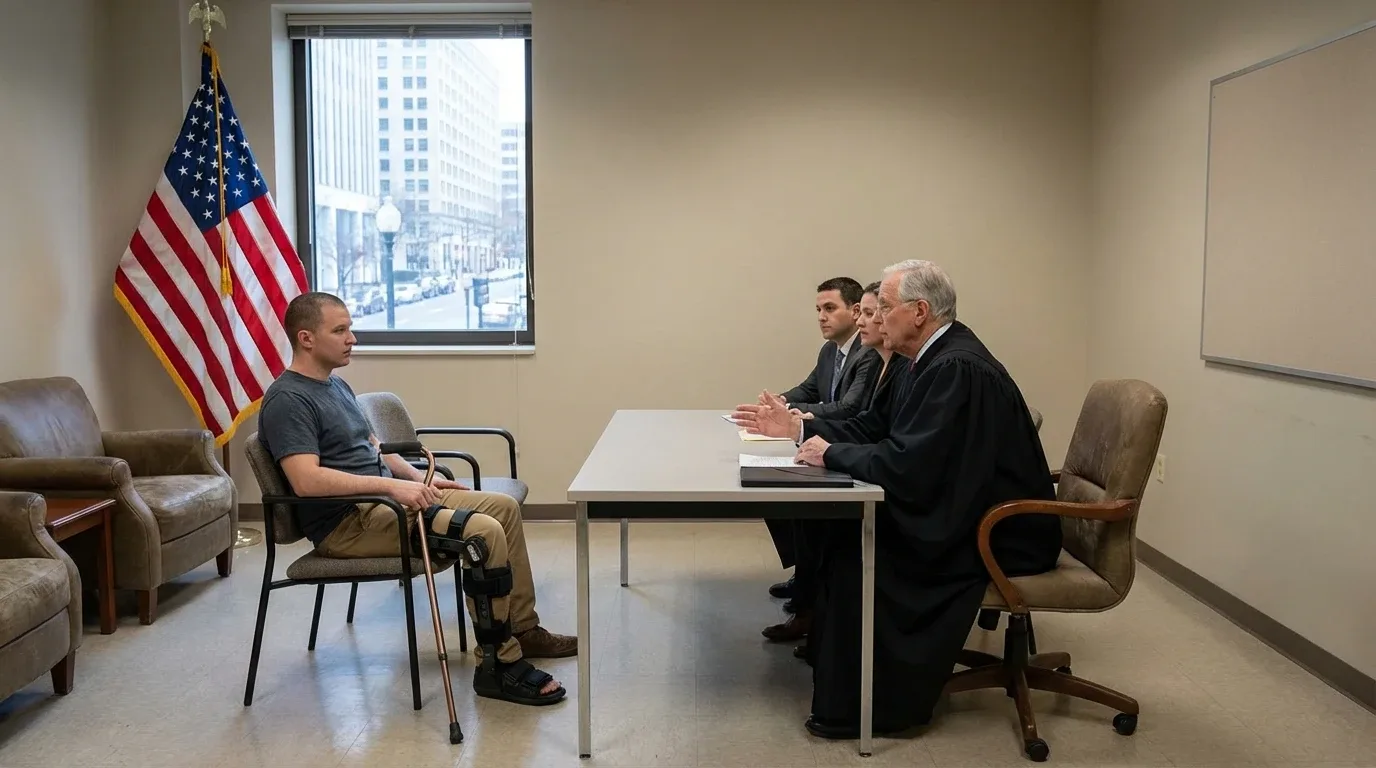
Hearings Before ALJ
Representation at the Administrative Law Judge (ALJ) hearing stage of a Social Security disability claim, covering claimants who have been denied and are requesting or preparing for a hearing after reconsideration.
Preview intake →
Initial Applications
Filing a first-time claim for Social Security disability benefits, evaluated against a qualifying medical impairment expected to last at least 12 months and current earnings relative to SSA's substantial gainful activity limit.
Preview intake →
Long Term Disability ERISA
Long Term Disability ERISA matters involve group disability coverage obtained through an employer or union plan and governed by federal ERISA law, where the intake needs to establish whether benefits were denied or terminated and whether an appeal deadline is still open.
Preview intake →
On the Record OTR Requests
A request asking a Social Security judge to decide a pending disability claim in the claimant's favor based on the medical file alone, without a hearing — typically filed when a claim is on appeal, a hearing is scheduled or pending, and the medical record already strongly supports disability.
Preview intake →
Overpayment Waivers
A request asking the Social Security Administration to forgive repayment of a determined overpayment because the recipient was not at fault for the error and repaying it would cause financial hardship.
Preview intake →
Private Disability Insurance Claims
A claim under a private disability insurance policy — employer-provided or individually purchased, separate from SSDI or SSI — that the intake needs to confirm is active, recently denied or reduced, and supported by medical evidence of an inability to work.
Preview intake →
Reconsiderations
A reconsideration is the first-level appeal filed after Social Security denies an SSDI or SSI claim, and it must be requested within 60 days of the denial letter using the claimant's medical and work records.
Preview intake →
SSDI Claims
Social Security Disability Insurance claims for applicants who paid Social Security taxes through past work and can no longer work due to a medical condition expected to last at least 12 months or result in death.
Preview intake →
SSI Claims
SSI Claims cover the needs-based federal benefit for disabled adults and children with limited income and resources, requiring proof of a qualifying medical condition, functional limitation, and financial eligibility separate from SSDI's work-credit test.
Preview intake →Information you need before every social security and disability matter
- Trying Appeal Social Security
- Already Received Written Decision
- Receive That Alj Decision
- Asking Social Security Appeals
- Person Who Applied Disability,
- Living In United States
- Receiving Ssdi Or Ssi
- Social Security Recently Contact
- Received Letter Saying Disability
- There Deadline Coming Up
How social security and disability lead scoring works
Value signals
- Trying Appeal Social Security: yes
- Already Received Written Decision: yes
- Receive That Alj Decision: yes
- Asking Social Security Appeals: yes
- Person Who Applied Disability,: yes
- Living In United States: yes
Urgency signals
- Applying Yourself Or Helping
Lower-fit signals
- Working And Earning More: no
Your visitor has a real matter. A contact form can’t hear it.
People and businesses seeking counsel arrive ready to explain the matter. Give them a conversation instead of a dead form — and get exactly what you need to win it.
Three empty fields and silence
- No matter details or scope
- No documents or context
- No way to tell a real lead from a tire-kicker
- You chase; most never reply
A guided conversation that converts
- Full matter scope in their own words
- Reports, contracts, and filings attached automatically
- Every lead scored by value
- High-intent leads flagged for you
From first click to qualified lead
Follow people and businesses seeking counsel through one smooth, guided flow.
They land & meet you
Your video greeting plays instantly — a real face instead of a blank form.
They explain the matter
Smart questions adapt to their matter and capture the full scope.
They share the documents
The facts, dates, and any paperwork come attached, so you can assess the matter before the consultation.
You get a ready lead
Scored and qualified — waiting for you to win it.
From template to routed lead
Cliont handles website intake and qualification; your existing business system remains the source of record after handoff.
Choose the right intake
Start with the industry, service, and matter template that matches the work you want to qualify.
Configure the experience
Add your video greeting, keep the questions you need, and choose which answers affect fit, urgency, and value.
Connect it to your site
Embed the guided intake on the relevant service page and test the complete phone, tablet, and desktop experience.
Route the qualified lead
Send the score, answers, and uploads into your chosen notification, CRM, or calendar workflow for staff follow-up.
Social Security and Disability lead-intake FAQs
What does a social security and disability intake collect?
Each social security and disability template asks job-specific questions drawn from the selected service, then captures contact details and relevant documents. The resulting submission gives the team more context than a name-and-email contact form.
How are social security and disability leads scored?
Cliont weights answers that indicate scope, urgency, fit, and potential value. It sends the score with the visitor's answers so the team can prioritize stronger social security and disability opportunities without manually reviewing every raw submission first.
Can visitors try a social security and disability intake on a phone?
Yes. The guided intake is designed for mobile, tablet, and desktop browsers. Visitors can answer questions and attach the requested files from the device they already have with them.
Where can qualified social security and disability leads be sent?
Cliont can route qualified leads to email, SMS, Slack, common CRM and calendar tools, Zapier, webhooks, or an API workflow. Cliont handles lead intake and qualification; the connected practice or business system remains the source of record after handoff.
Simple, transparent pricing
Choose the plan that works for your business.
Professional
Unlimited intake forms and leads for your growing business.
- Unlimited intake forms
- Custom video greetings
- AI-powered voice bot
- English + Spanish support
- Automatic lead scoring
- Digital estimates & e-signatures
- Photo, video & file upload
- Advanced analytics dashboard
Pay Per Lead
Only pay when you receive a qualified lead.
- Unlimited intake forms
- Custom video greetings
- AI-powered voice bot
- English + Spanish support
- Automatic lead scoring
- Digital estimates & e-signatures
- Photo, video & file upload
- Charged only for submitted leads
Browse every legal intake template
While they’re still using contact forms, you’re booking cases
Give every website visitor a guided, bilingual, qualifying intake — and turn your social security and disability traffic into signed work.