Qualify every cleaning restoration and remediation lead before the first conversation
Cliont routes every enquiry across your service lines — from emergency water and fire calls to scheduled mold, asbestos, or commercial cleaning jobs — through a guided intake that collects the right photos and property details up front, so only scored, qualified leads land in your CRM instead of a crew showing up to an unqualified site.
Browse every cleaning restoration and remediation intake template
Each category ships ready-to-embed, job-specific intakes — open any to try the exact experience your leads complete.
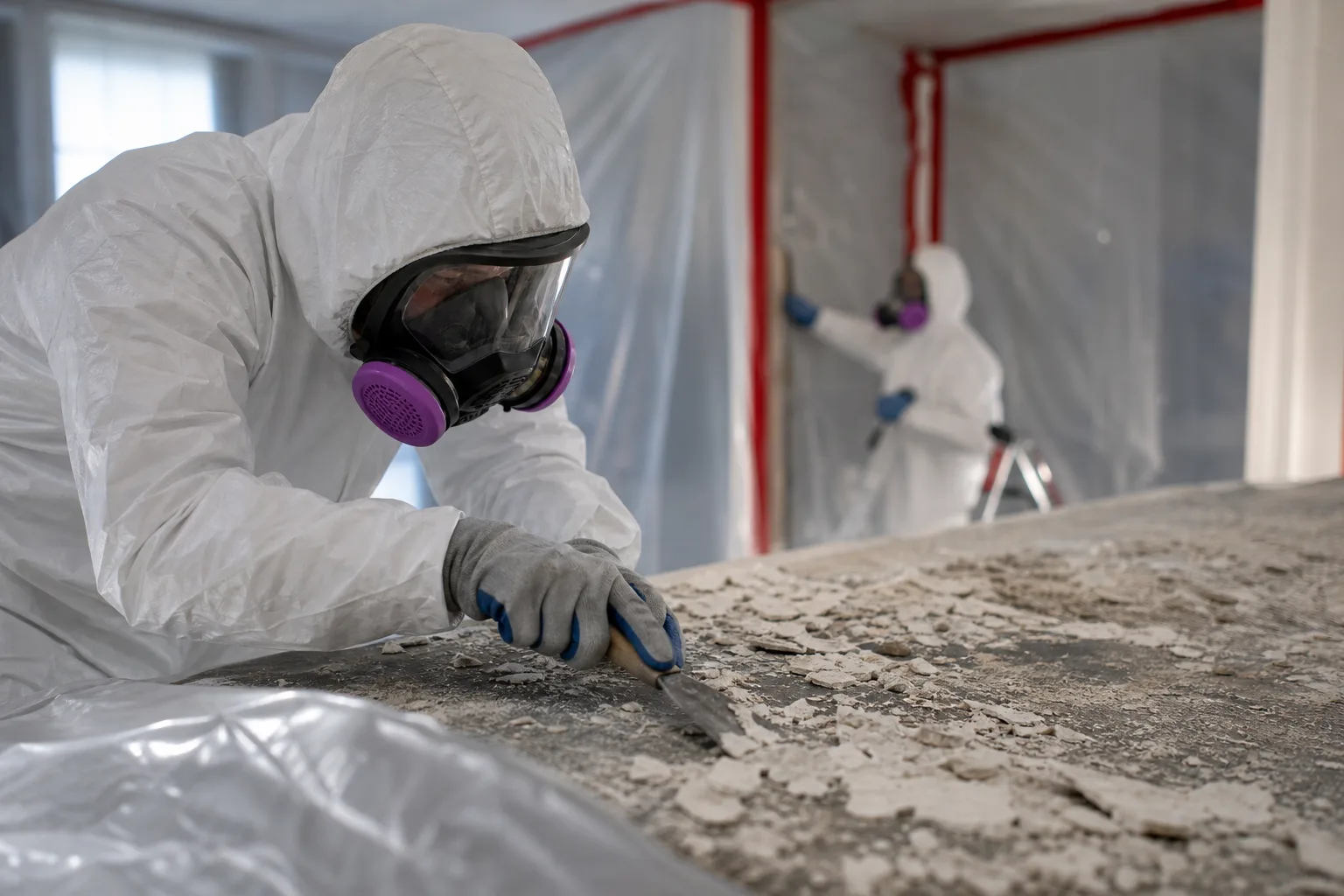
Asbestos and Lead Remediation
Preview 5 intake templates for asbestos and lead remediation, including lead paint abatement, asbestos inspection, lead paint inspection.
View intakes →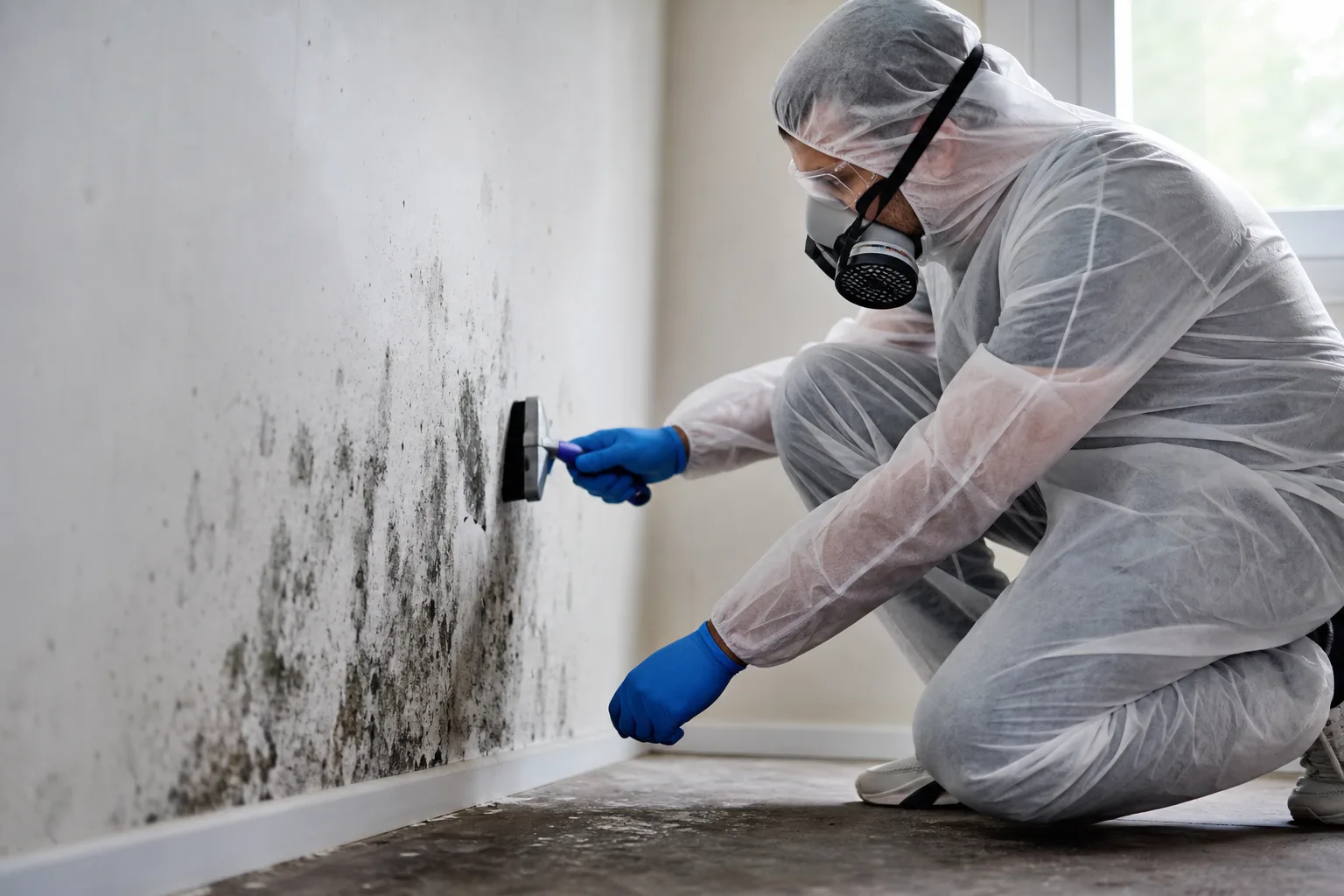
Mold Remediation
Preview 6 intake templates for mold remediation, including commercial mold remediation, crawl space mold remediation, attic mold remediation.
View intakes →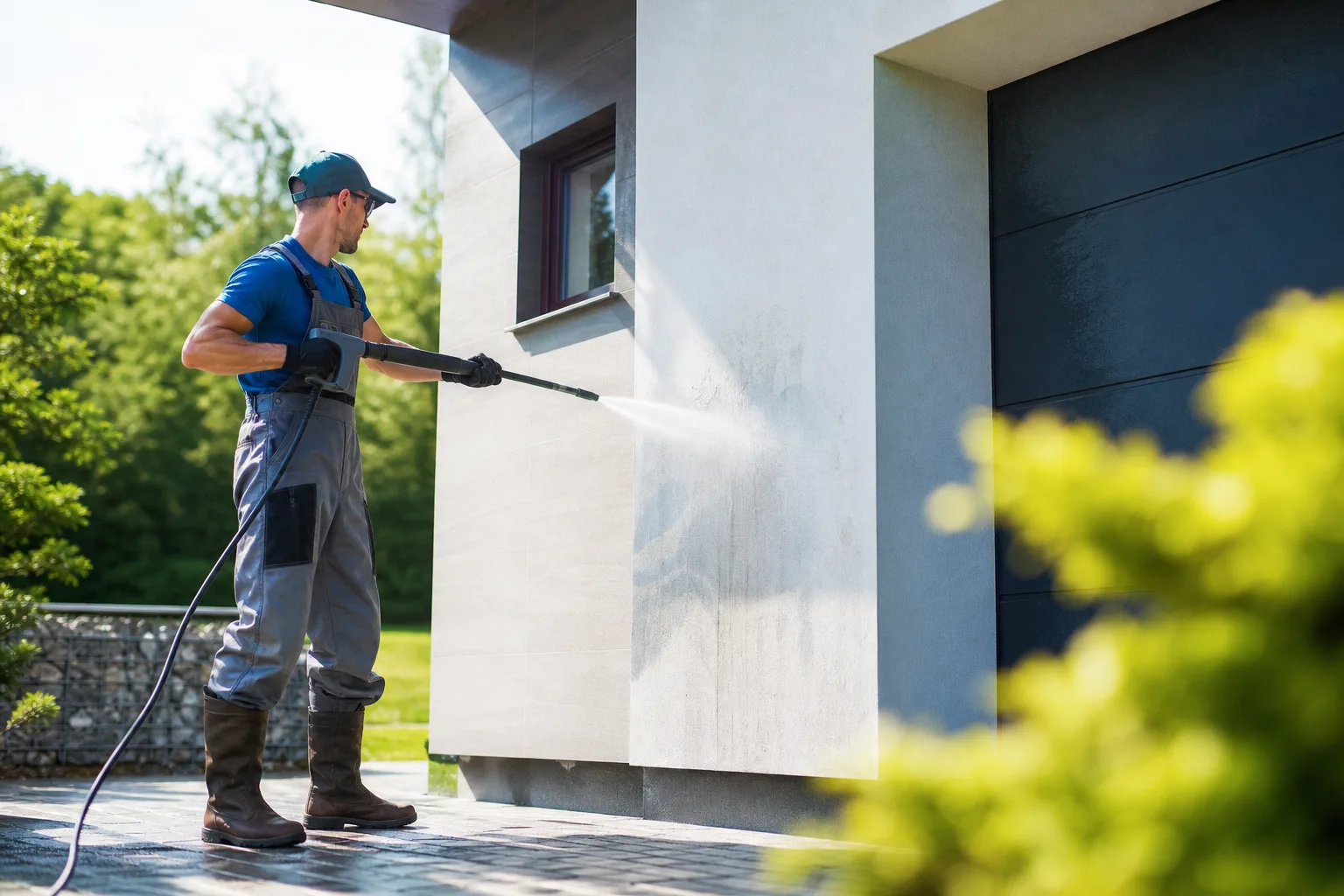
Exterior Cleaning
Preview 6 intake templates for exterior cleaning, including pressure washing, solar panel cleaning, window cleaning.
View intakes →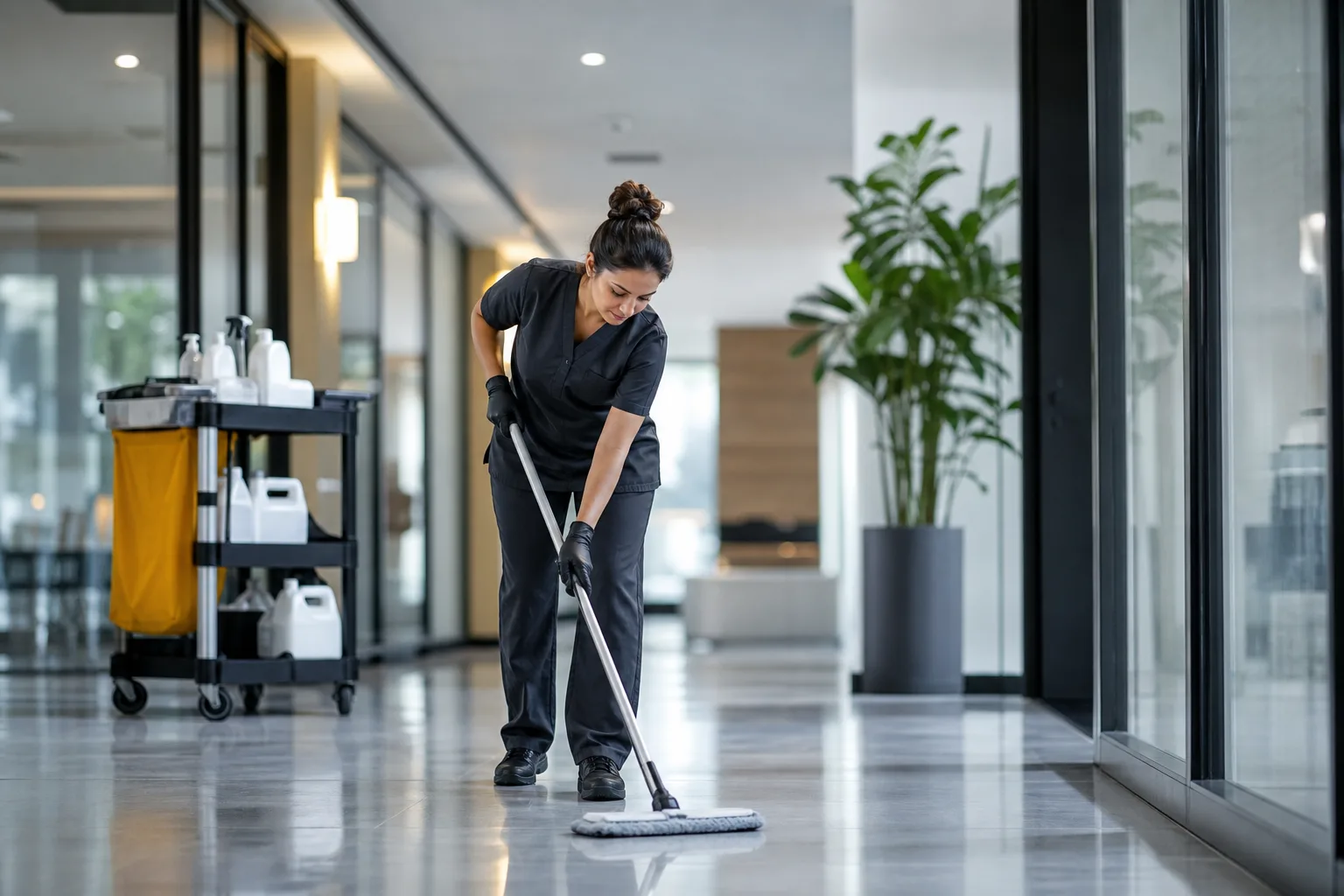
Commercial Cleaning
Preview 6 intake templates for commercial cleaning, including medical facility cleaning, retail cleaning, industrial cleaning.
View intakes →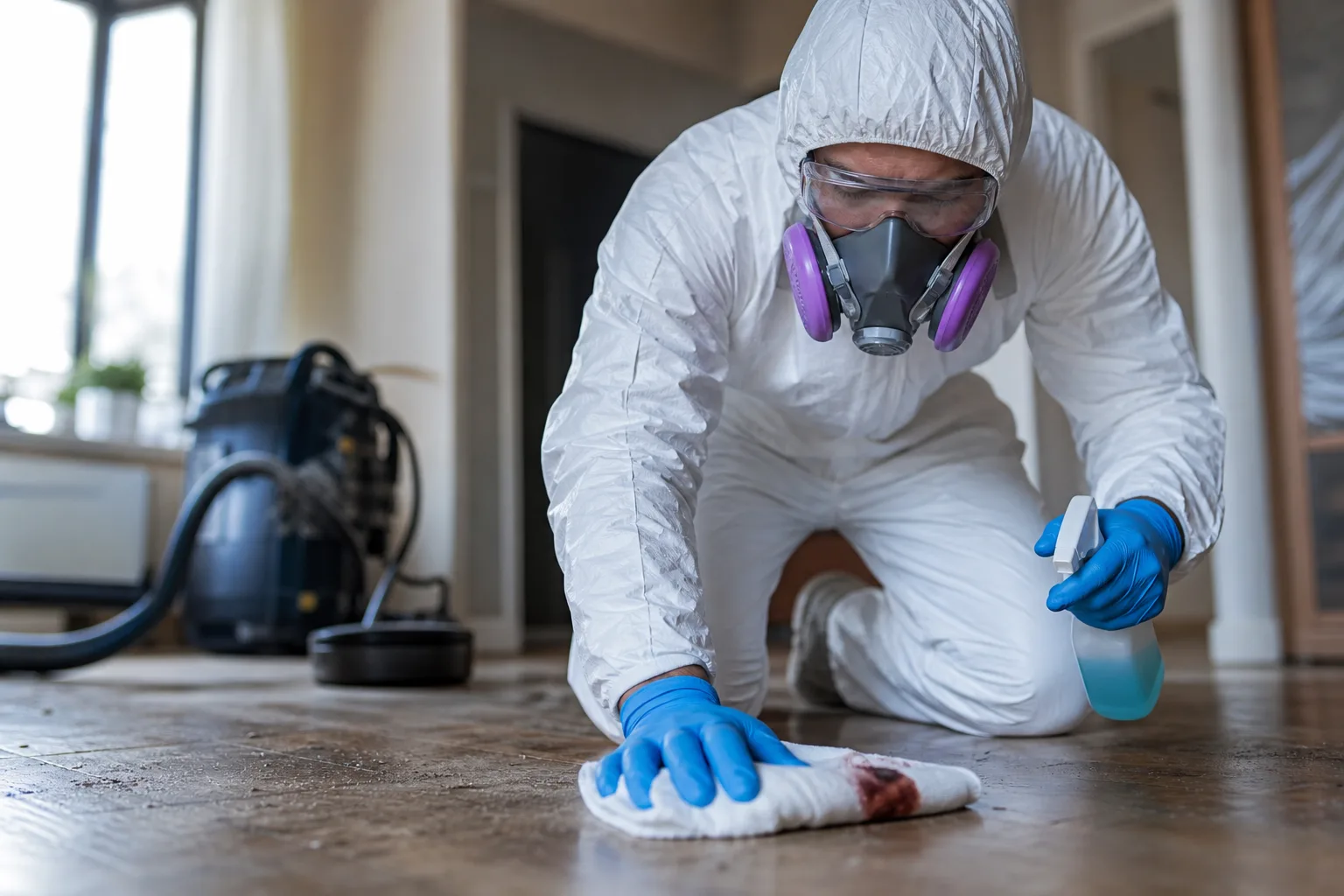
Biohazard and Specialty Cleanup
Preview 6 intake templates for biohazard and specialty cleanup, including odor remediation, infectious disease cleaning, biohazard cleanup.
View intakes →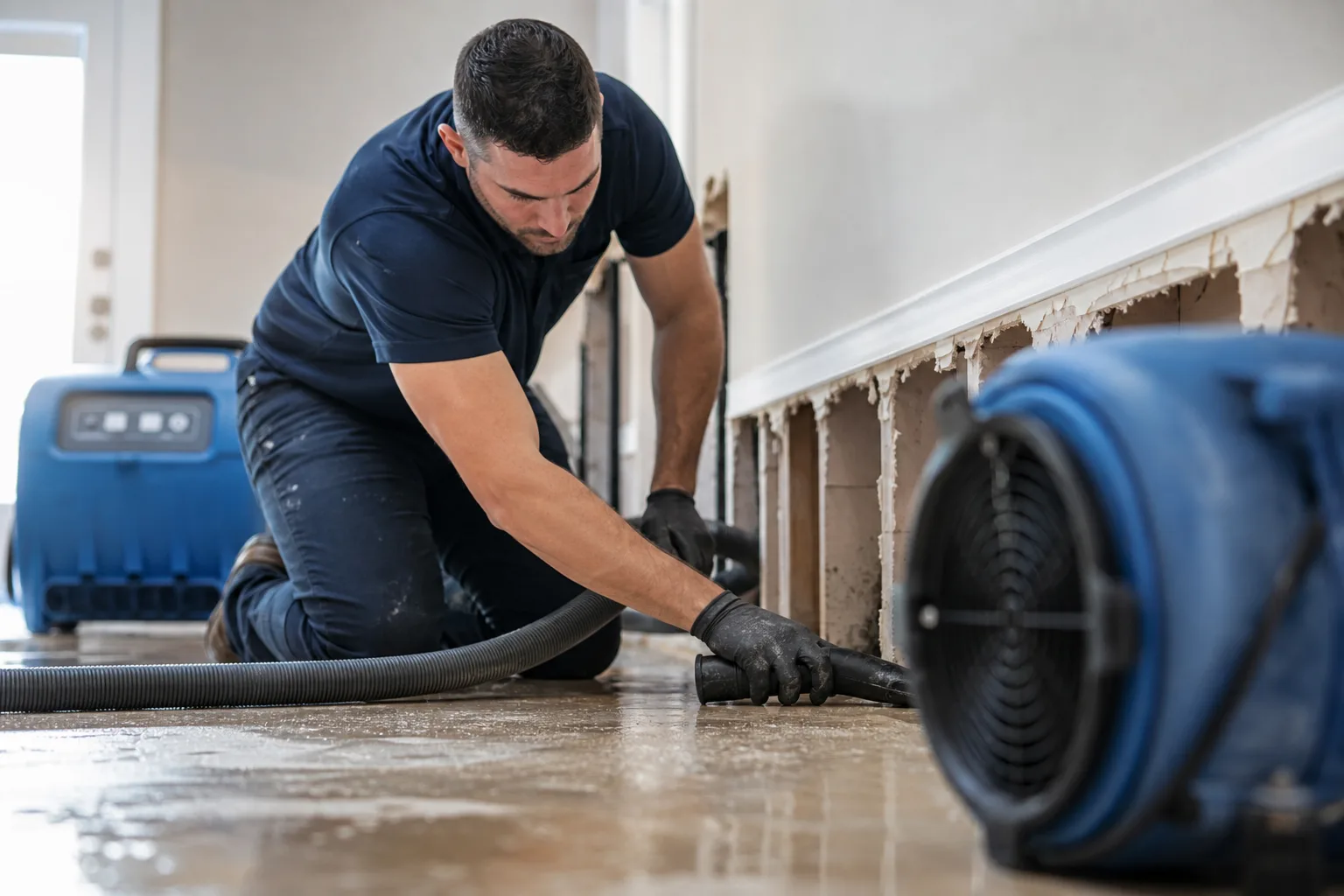
Water Damage Restoration
Preview 6 intake templates for water damage restoration, including structural drying, burst pipe cleanup, flood damage restoration.
View intakes →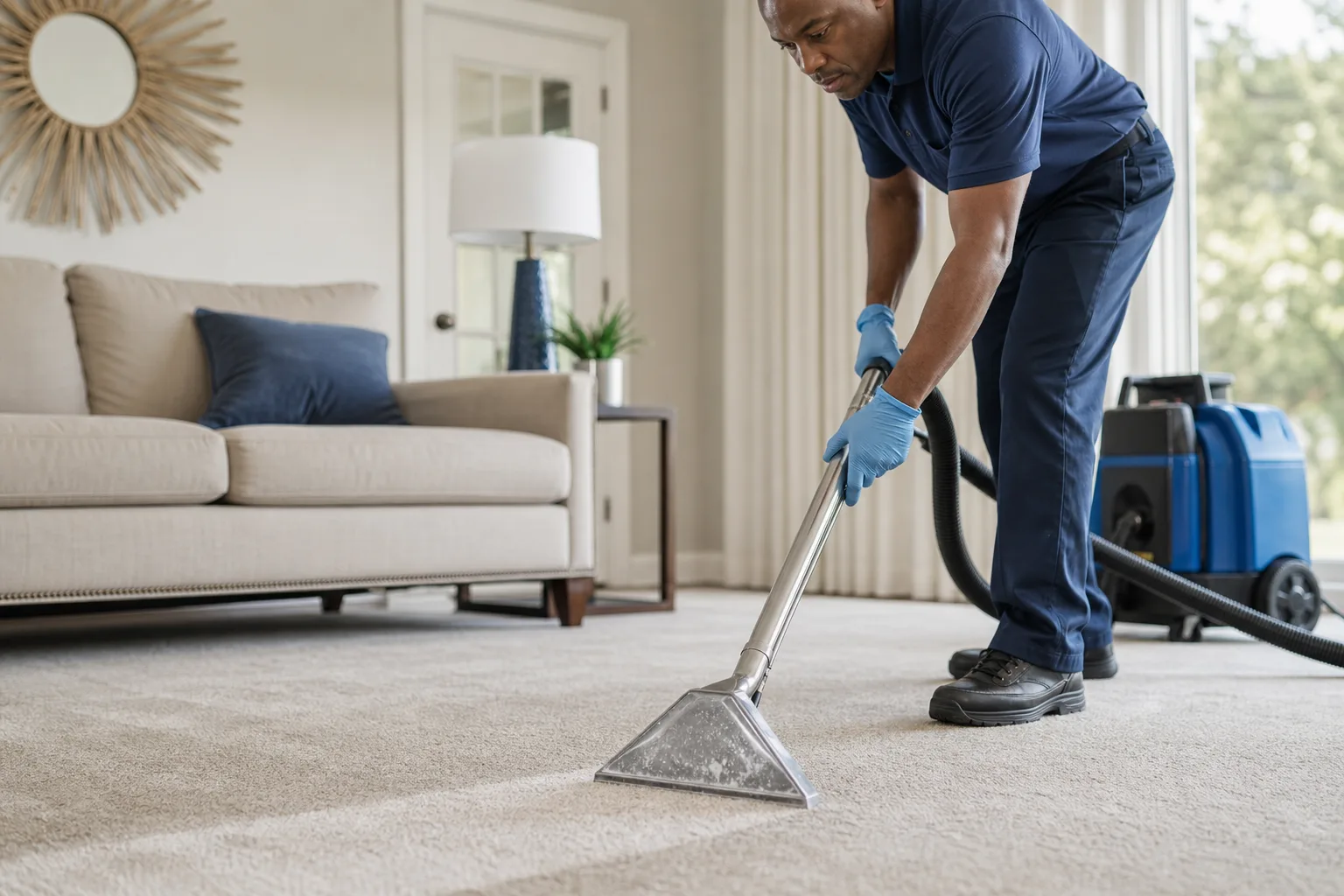
Carpet and Upholstery Cleaning
Preview 6 intake templates for carpet and upholstery cleaning, including residential carpet cleaning, area rug cleaning, carpet stain removal.
View intakes →
Residential Cleaning
Preview 6 intake templates for residential cleaning, including post-construction cleaning, move-in cleaning, recurring house cleaning.
View intakes →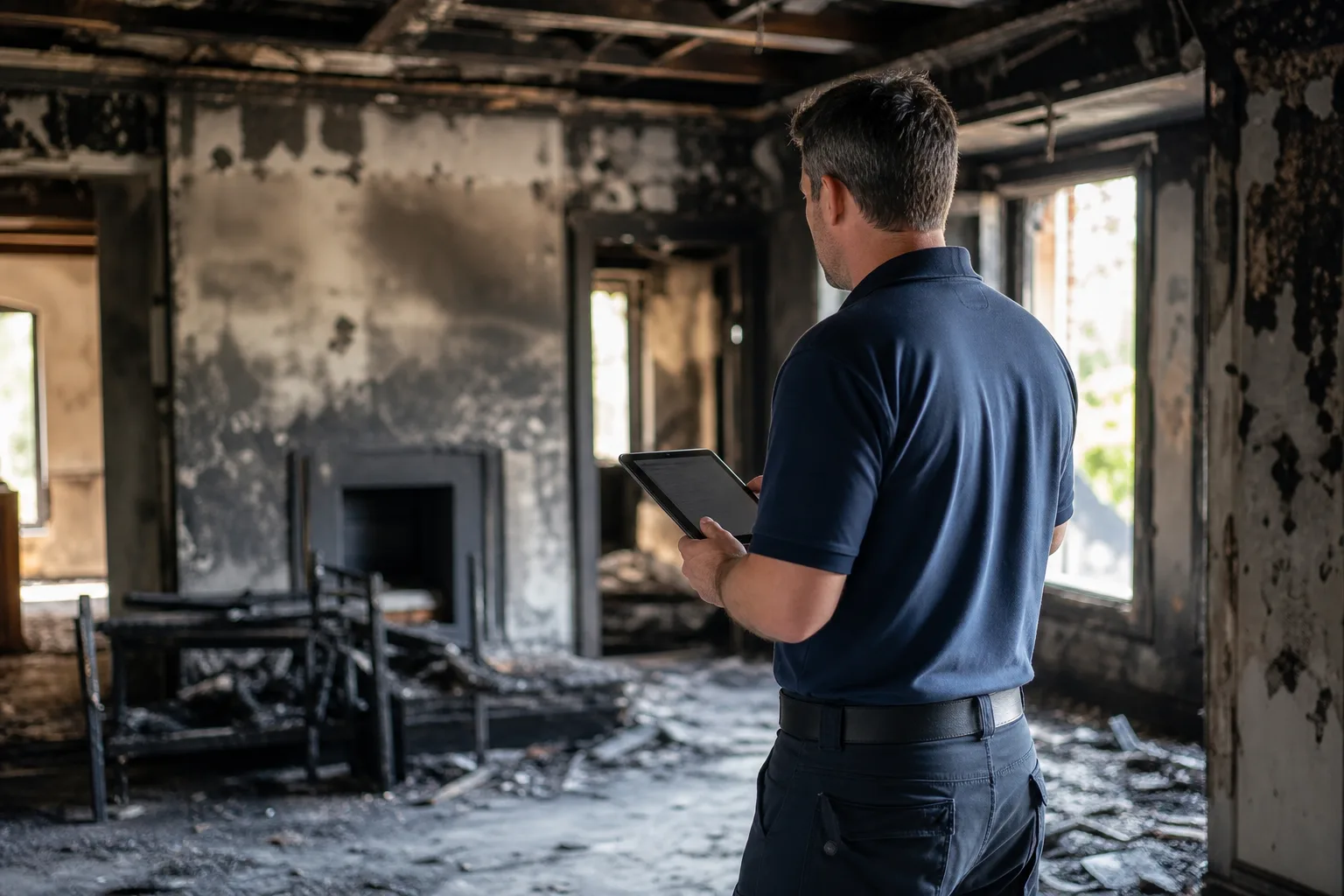
Fire and Smoke Restoration
Preview 6 intake templates for fire and smoke restoration, including odor removal, board-up service, smoke damage cleanup.
View intakes →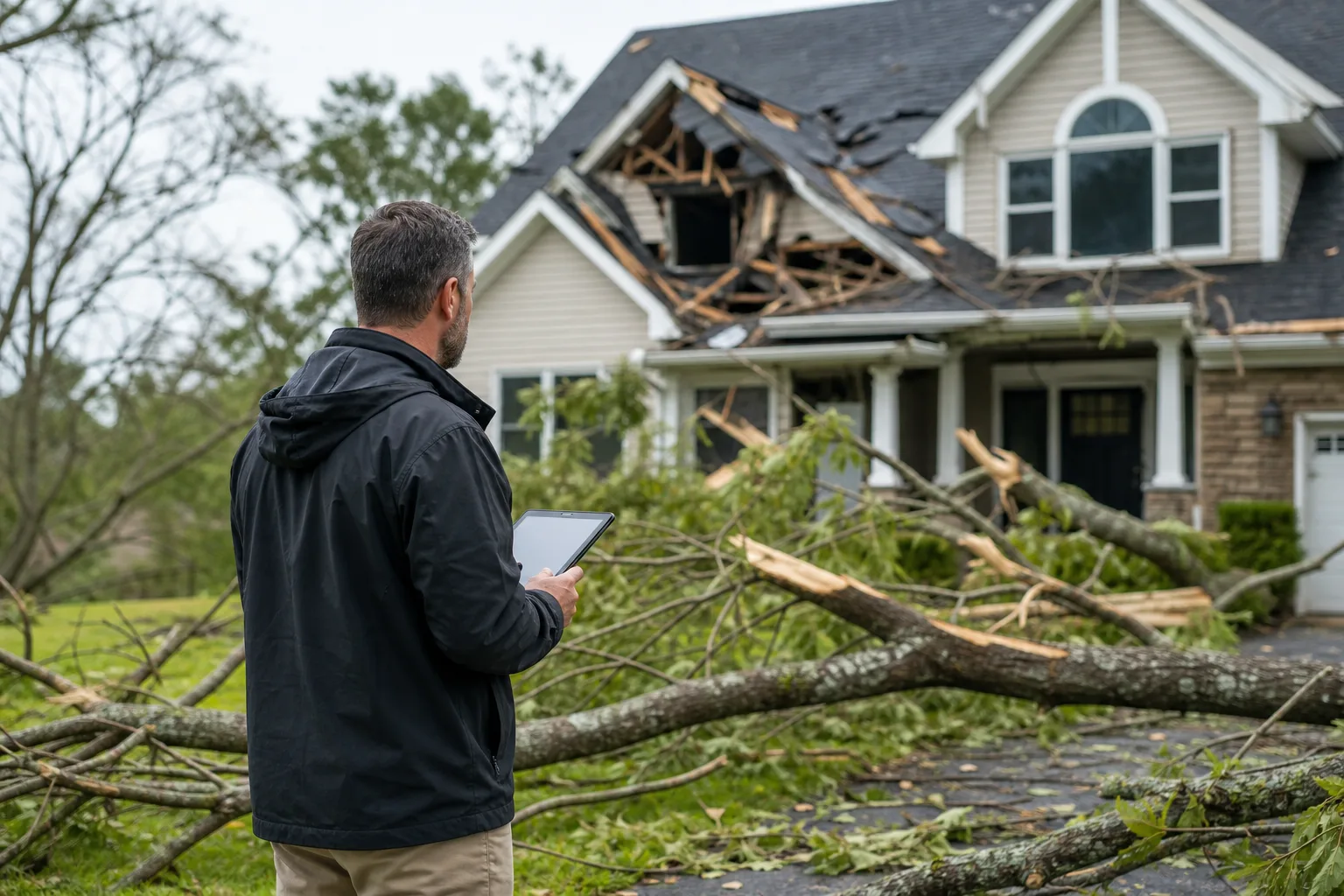
Storm Damage Restoration
Preview 6 intake templates for storm damage restoration, including tree impact damage, wind damage restoration, storm damage reconstruction.
View intakes →Information cleaning restoration and remediation teams need before the first conversation
Across every cleaning restoration and remediation service, Cliont intakes are built to capture:
Cleaning Restoration and Remediation covers the full range of property recovery and specialty cleaning work — from water, fire, storm, and mold damage to biohazard cleanup, asbestos and lead remediation, and routine residential or commercial cleaning — each with its own urgency signals and site-access requirements that intake needs to sort before a crew is dispatched.
- Lead Paint Been Confirmed
- Property Lead Paint Work
- Areas Lead Paint Work
- Children Or Pregnant Occupants
- Property Owner Or Authorized
- Soon This Work Completed
- This Related Real Estate
- Property Inspection
- Asbestos Inspection
- How Old Building
How cleaning restoration and remediation lead scoring works
Every answer across every cleaning restoration and remediation intake is weighted automatically.
Value signals
- Confirmed by lab test
- Suspected due to building age
- Not sure
- Children Or Pregnant Occupants: yes
- Property Owner Or Authorized: yes
- Planned renovation or demolition
Urgency signals
- Immediately
- Affected Area In Active
- Standing water
- Plumbing leak
- Exterior water intrusion
- Roof leak
Route leads by service, area, urgency, and value
Connect your CRM
HubSpot, HighLevel, monday.com
Connect your legal software
Lawmatics, MyCase, Clio Manage and Clio Grow
Notify your team
Email, SMS, Slack
Configure other destinations
Google Sheets, configured webhooks, Zapier and API workflows
Simple, transparent pricing
Choose the plan that works for your business.
Professional
Unlimited intake forms and leads for your growing business.
- Unlimited intake forms
- Custom video greetings
- AI-powered voice bot
- English + Spanish support
- Automatic lead scoring
- Digital estimates & e-signatures
- Photo, video & file upload
- Advanced analytics dashboard
Pay Per Lead
Only pay when you receive a qualified lead.
- Unlimited intake forms
- Custom video greetings
- AI-powered voice bot
- English + Spanish support
- Automatic lead scoring
- Digital estimates & e-signatures
- Photo, video & file upload
- Charged only for submitted leads
Cleaning Restoration and Remediation lead-intake FAQs
We handle multiple service lines — does one intake work for all of them?
Yes. Cliont builds a separate qualification flow for each subservice you offer, from water damage restoration to asbestos and lead remediation or commercial cleaning, so property owners are only asked questions relevant to the job they're describing.
How does the software tell an emergency job from a routine one?
Each subservice's intake is scored on its own urgency and value signals — a burst-pipe water damage lead is weighted differently than a scheduled carpet cleaning or exterior cleaning enquiry — so your team can see priority at a glance before calling back.
Can property owners submit photos before we ever talk to them?
Yes, each intake can require photo or video uploads of the affected area, which is especially useful for jobs like mold remediation, fire and smoke restoration, or storm damage where site condition drives scope and staffing.
Does this replace our on-site assessment?
No. Cliont's intake qualifies and scores the lead before you commit crew time — the property owner still gets an in-person or scheduled assessment, but only after the request has been sorted for fit, urgency, and completeness.
What happens to leads that don't fit our service area or job type?
Lower-fit or disqualifying answers are flagged in the score so your team can decline or redirect the enquiry quickly, instead of a crew rolling out to a site that was never a match, whether that's an out-of-scope biohazard job or a residential cleaning request outside your coverage area.
Do all our subservices send leads to the same CRM?
Yes — regardless of which service line the enquiry comes through, from asbestos and lead remediation to storm damage restoration, qualified leads are delivered to your CRM with the intake answers and any uploaded photos attached.
Turn your cleaning restoration and remediation traffic into booked jobs
Give every visitor a guided, bilingual intake — and meet a scored, qualified lead before you pick up the phone.