Qualify every medical lead before the first conversation
Cliont gives medical businesses a single intake layer across specialties — from primary care and pediatrics to orthopedics and women's health — so every patient enquiry is scored and sent to your CRM instead of landing as an unqualified appointment.
Browse every medical intake template
Each category ships ready-to-embed, job-specific intakes — open any to try the exact experience your leads complete.

Primary Care
Preview 7 intake templates for primary care, including chronic condition management, preventive care, new patient visit.
View intakes →
Urology
Preview 7 intake templates for urology, including prostate evaluation, urologic cancer consultation, incontinence evaluation.
View intakes →
Dermatology
Preview 8 intake templates for dermatology, including psoriasis treatment, rash evaluation, mole and skin lesion evaluation.
View intakes →
Pediatrics
Preview 7 intake templates for pediatrics, including adolescent health visit, childhood illness, behavioral concerns.
View intakes →
Urgent Care
Preview 8 intake templates for urgent care, including fever and flu symptoms, occupational health visit, cuts and burns.
View intakes →
Orthopedics
Preview 9 intake templates for orthopedics, including foot and ankle pain, sports injury, back and spine pain.
View intakes →
Weight Management
Preview 6 intake templates for weight management, including metabolic health evaluation, nutrition evaluation, medical weight management.
View intakes →
Gastroenterology
Preview 8 intake templates for gastroenterology, including inflammatory bowel disease, acid reflux, colon cancer screening.
View intakes →
Sleep Medicine
Preview 6 intake templates for sleep medicine, including insomnia evaluation, snoring evaluation, sleep apnea evaluation.
View intakes →
Physical Therapy
Preview 8 intake templates for physical therapy, including post-surgical rehabilitation, back and neck rehabilitation, balance and fall prevention.
View intakes →
Neurology
Preview 7 intake templates for neurology, including multiple sclerosis care, stroke follow-up, memory and cognitive concerns.
View intakes →
Women's Health
Preview 7 intake templates for women's health, including annual gynecology visit, fertility evaluation, pelvic pain evaluation.
View intakes →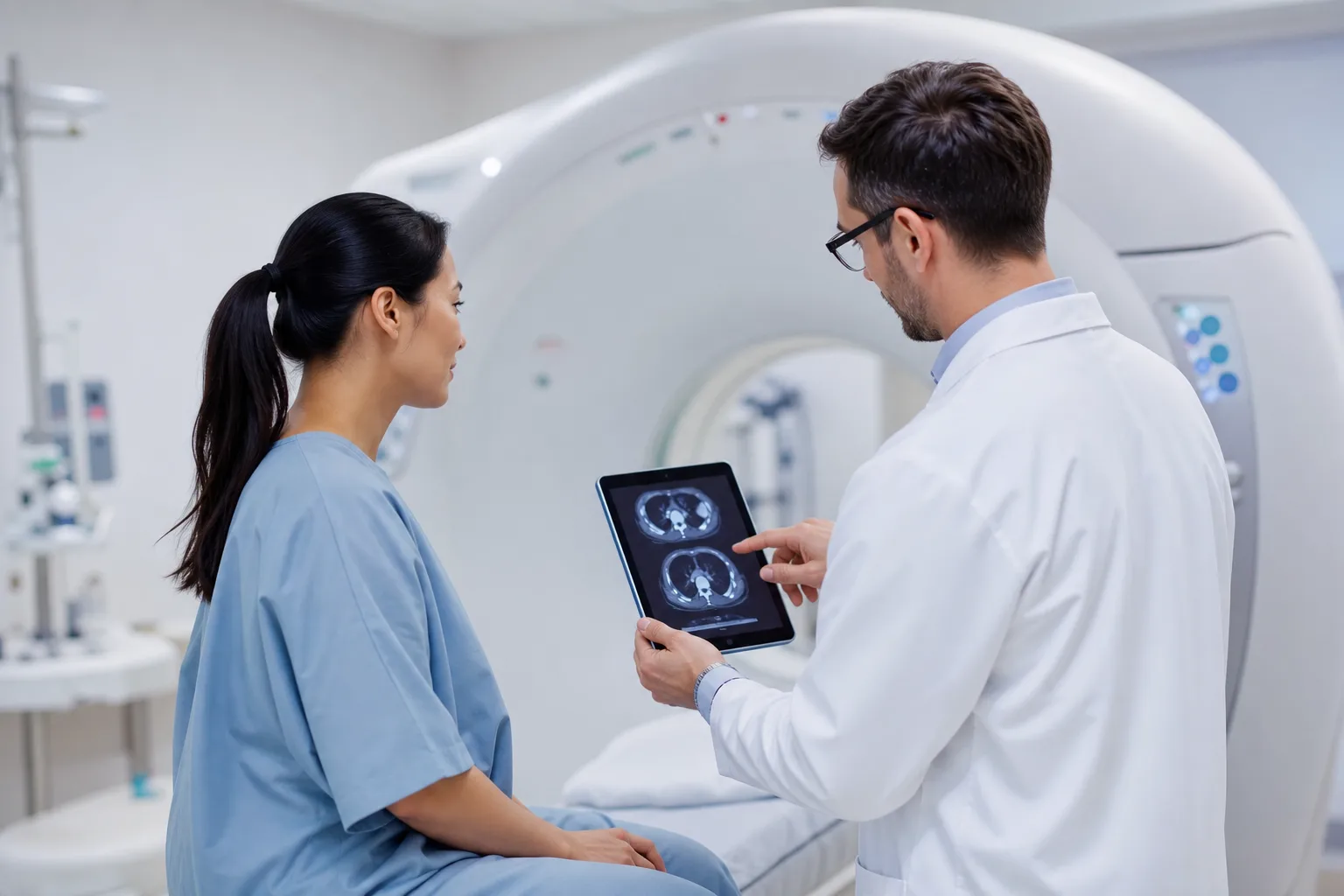
Diagnostic Imaging
Preview 7 intake templates for diagnostic imaging, including ultrasound, mri, bone density scan.
View intakes →
Cardiology
Preview 7 intake templates for cardiology, including heart rhythm evaluation, chest pain evaluation, preventive cardiology.
View intakes →
Telemedicine
Preview 5 intake templates for telemedicine, including virtual primary care, medication follow-up, chronic care follow-up.
View intakes →
Pain Management
Preview 7 intake templates for pain management, including post-surgical pain, back pain, interventional pain consultation.
View intakes →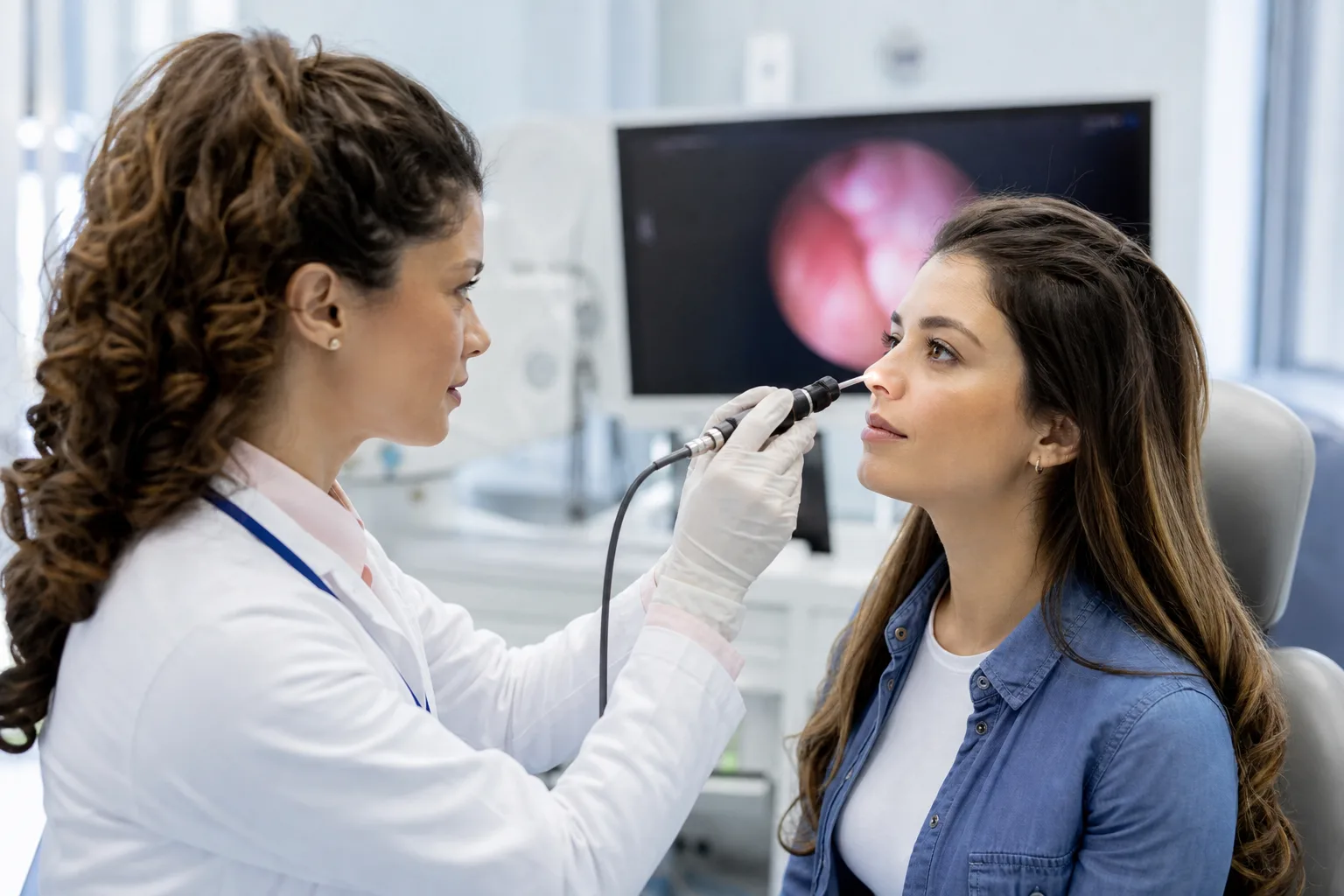
Ear Nose and Throat
Preview 7 intake templates for ear nose and throat, including sleep apnea evaluation, tonsil and throat problems, balance and dizziness.
View intakes →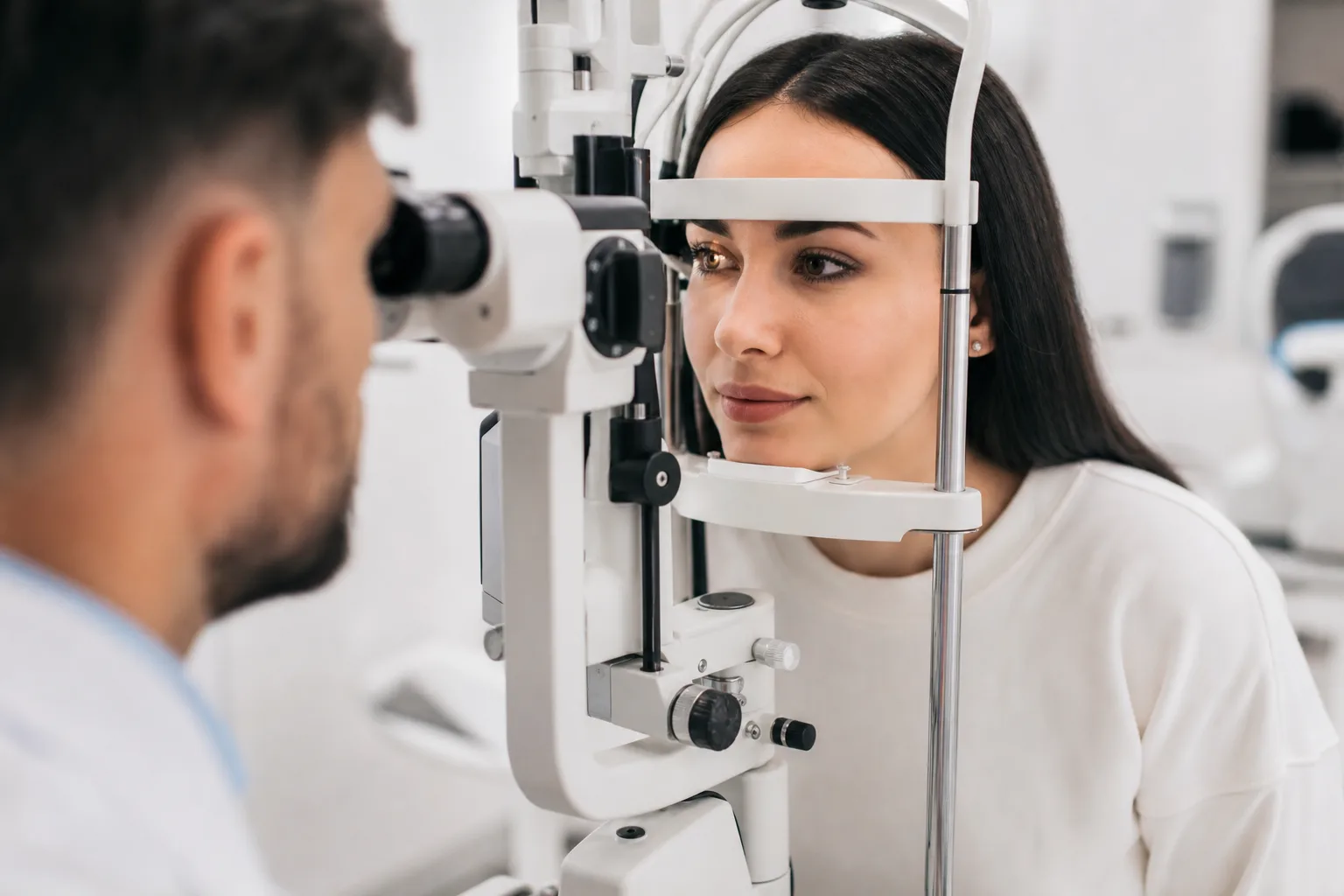
Ophthalmology
Preview 8 intake templates for ophthalmology, including vision correction consultation, comprehensive eye exam, diabetic eye exam.
View intakes →Information medical teams need before the first conversation
Across every medical service, Cliont intakes are built to capture:
Lead intake software for medical practices that captures patient enquiries across specialties like primary care, urgent care, dermatology, and orthopedics, then scores and routes each one to the right provider before a slot is booked.
- Chronic Condition Help Managing
- Without Primary Care Provider
- Would Describe Condition'S Control
- This Care Being Arranged
- Soon Schedule Care
- Best Describes What
- This Preventive Care Visit
- Without Established Primary Care
- Noticed Any New Symptoms
- Would Like This Visit
How medical lead scoring works
Every answer across every medical intake is weighted automatically.
Value signals
- Without Primary Care Provider: yes
- Well controlled
- Somewhat controlled
- Poorly controlled
- Not sure
- Within a few days
Urgency signals
- Without Primary Care Provider
- Symptoms Mild Enough Routine
- Sudden strong urge before leaking
- Leakage Affecting Daily Activities
- As soon as possible, symptoms are severe
- Experiencing Severe Pain, Fever,
Route leads by service, area, urgency, and value
Connect your CRM
HubSpot, HighLevel, monday.com
Connect your legal software
Lawmatics, MyCase, Clio Manage and Clio Grow
Notify your team
Email, SMS, Slack
Configure other destinations
Google Sheets, configured webhooks, Zapier and API workflows
Simple, transparent pricing
Choose the plan that works for your business.
Professional
Unlimited intake forms and leads for your growing business.
- Unlimited intake forms
- Custom video greetings
- AI-powered voice bot
- English + Spanish support
- Automatic lead scoring
- Digital estimates & e-signatures
- Photo, video & file upload
- Advanced analytics dashboard
Pay Per Lead
Only pay when you receive a qualified lead.
- Unlimited intake forms
- Custom video greetings
- AI-powered voice bot
- English + Spanish support
- Automatic lead scoring
- Digital estimates & e-signatures
- Photo, video & file upload
- Charged only for submitted leads
Medical lead-intake FAQs
Does Cliont work the same way for a primary care clinic and a specialty practice like dermatology or orthopedics?
The underlying software is the same, but the intake questions and scoring signals are built per subservice, so a primary care intake asks different things than a dermatology or orthopedics intake even though both route qualified patients to the same CRM.
Can one medical business run intake for multiple specialties, like urgent care and physical therapy, from one account?
Yes, each specialty or subservice gets its own qualification flow and scoring logic, and all of them can feed into a single CRM so staff see every incoming patient enquiry in one place.
How does Cliont handle telemedicine enquiries differently from in-person specialties like ENT or ophthalmology?
Telemedicine intake is built to flag eligibility and readiness for a virtual visit, while in-person specialties like ENT, ophthalmology, or diagnostic imaging focus more on symptom detail and required documentation before a slot is offered.
What stops an unqualified patient from booking a slot they aren't eligible for?
Every enquiry is scored against the relevant subservice's qualification signals before it reaches your team, so patients who don't meet basic criteria for that specialty are flagged instead of being sent straight to your calendar.
Is patient intake information sent to our CRM automatically?
Yes, once a patient enquiry is captured and scored, the qualifying details are delivered to your CRM so front-desk or clinical staff can review and confirm the appointment without re-entering information.
Turn your medical traffic into booked patients
Give every visitor a guided, bilingual intake — and meet a scored, qualified lead before you pick up the phone.